Your personal scribe, that can keep a secret.

We've built a secure tool that listens to your in-person meetings, calls and lectures and transforms them into meaningful, structured and actionable notes.

The same private, local-first engine that powers our medical copilot - now for your meetings, lectures and calls.
If you want to keep a secret, tell no one.

A personal scribe
that respects your data sovereignty.

OS-Level Audio Capture

Runs natively in your operating system - no bot, no browser extension - and captures whatever plays on your Mac: Zoom, Meet, Teams, a webinar or the room mic.

Private, In Person or Remote

Sit around a table or dial in from anywhere - the same workflow captures both, and audio and transcripts are processed locally, so confidential discussions never leave your machine.

Share with Ease

Get a clean, structured write-up - meeting summaries, lecture notes or development tickets - ready to share over email or private messages with a quick copy and paste.

Designed to save time.

Automated summarisation usually produces content that no one actually wants to read. We do the opposite: a workflow that turns your conversations into meaningful, concise material - shaped for the way you actually work, whether that's software development, lectures or meetings.

For Corporate

Meetings → Summary

Standup / sync Summary + actions

Decisions, owners and deadlines captured automatically - no more "who's taking notes?".

# Weekly Sync - 4 Jun Attendees: A. Rossi, M. Keller, T. Brunner Decisions • Ship v2.1 Friday (M. Keller) • Freeze API by Wed (A. Rossi) Action items ☐ Draft release notes - T. ☐ Notify customers - A.
For Learners

Lectures → Notes

University lecture Study notes

Turn a two-hour lecture into clean, structured notes with key concepts and references.

# Lecture 7 - Distributed Systems Key concepts • CAP theorem: C, A, P - pick 2 • Consensus → Raft, Paxos Worth reviewing • Leader election (slide 14) Ref: Lamport 1998, "Part-Time Parliament"
For Developers

Req./Issues Discussions → GitHub

Bug triage call Issues / tickets

Talk through bugs and features; get ready-to-open issues with titles, labels and bodies.

Issue: Login fails on Safari 17 Labels: bug, auth, P1 Body: Repro: SSO redirect loops on Safari ≥17. Works on Chrome. Mentioned by M. Keller @ 12:04 ☐ Assign: @backend-team

A real meeting, with AI in the room.

A dedicated feature for live conversations. Brainstorming Mode plugs into your system audio and joins the discussion as it happens, so the AI works with you in real time while you talk.

Talk out loud. DuraEdgeAI is listening.

Set a goal. Talk it through. The audio stays on your machine.

Brainstorming Mode is a real working session. You tell it what you want out of the session, then just talk it through out loud. It keeps the discussion moving toward the goal and writes up the result afterwards.
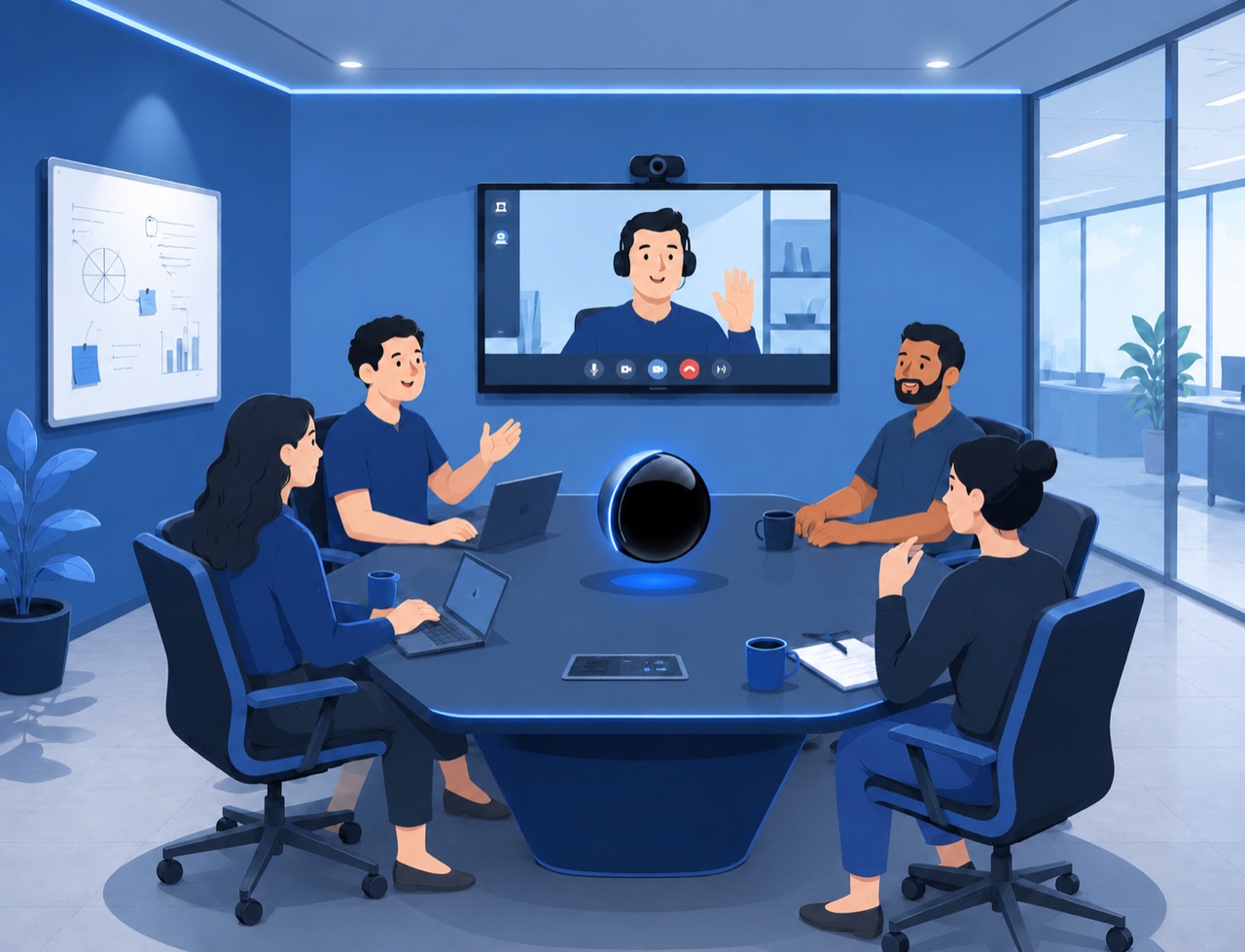
A team in a meeting room brainstorming with DuraEdgeAI in the room

Connect a bleeding-edge model

Need more power? Plug in bleeding-edge models using your own API keys.*

Talk naturally

Speak freely. No note-taking, no typing, no laptop between you and your ideas.

Get the output

Receive a structured action plan and summary, ready to share or act on.

* DuraEdgeAI supports the use of bleeding-edge models to process complex, non-confidential context.

Two ways to run it.

Start free and run everything on your own Mac. When you need more power than your hardware can give, switch on DuraCloud - sovereign inference, hosted in Switzerland.

Standalone

Free

Runs entirely on your own Mac - every model on-device and fully offline, so confidential conversations never leave your machine. No account, no cost.

  • All AI models run on-device
  • No license needed - just download and go
  • Meetings, lectures & GitHub issues
  • Works fully offline
Get started free

Apple Silicon · macOS 26+ · 36GB RAM

Frequently Asked Questions

What is an ambient scribe?

+

It's a tool that quietly documents your conversations in real time. DuraEdgeAI Notes is a local-first AI scribe that runs inside your operating system, listens to your system audio, and turns your meetings, lectures and calls into summaries, notes and GitHub tickets - without sending anything to the cloud.

How does it capture remote meetings?

+

Through system audio. Because it integrates at the OS level, it captures whatever plays on your machine - Zoom, Google Meet, Microsoft Teams, a webinar or a recorded talk - without needing a meeting bot or any access to your accounts.

Does my data ever get sent anywhere?

+

No. Never. In the Standalone deployment, audio and transcripts are processed entirely on your device. No recording, no transcript and no summary is transmitted to external servers.

Can it create GitHub issues automatically?

+

Yes. From a triage or planning conversation it drafts ready-to-open issues - title, labels, body and suggested assignee - formatted to your repository's conventions, so you only need to review and confirm.

Which computers does it work on?

+

DuraEdgeAI Notes is designed for Mac with Apple Silicon (M1, M2, M3, M4). Requirements: macOS 26 or later, 36GB RAM minimum, 30GB disk space.

Is the Standalone plan really free?

+

Yes. Standalone runs entirely on your Mac with all AI models on-device, and it needs no license to use. We only ask for your name and email so we can send you product updates - then you download and you're set.

What does DuraCloud add, and can I cancel?

+

DuraCloud (CHF 9.90/month) runs the AI on a Swiss-hosted sovereign cloud instead of your machine - ideal when your Mac or Windows PC can't run the models locally. It's the same app; a license key unlocks the cloud. You can cancel anytime from the billing portal.

How is this different from the healthcare product?

+

Same private, on-device engine - different deliverables. The healthcare edition produces clinical documentation; the Notes edition produces meeting summaries, lecture notes and engineering tickets for your meetings, lectures and projects.